01draft
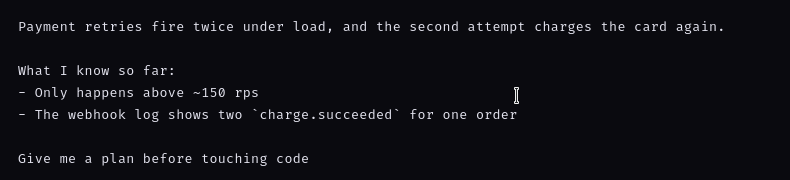
Seven lines with blank lines, a list, and a backticked identifier — written where there is room to reread it.
7 lines · 42 words · 234 chars
Sendoff is a local editor for long prompts. Write the whole thing, bind the tab to a Herdr, Orca, or tmux session, and Ctrl+Enter hands it to the coding agent already running there.
Linux x86_64 · glibc 2.35+ · MIT · no auto-update
An animated recreation of the Sendoff window. A 234-character prompt about duplicated payment retries is typed into the editor, Ctrl+Enter sends it to the tmux pane bound to the tab, and Codex receives all seven lines as one submitted block. The unedited screen recording of the same handoff is further down the page.
The handoff
The claim that matters is small and checkable: whatever you wrote arrives whole. Here is the capture itself, then the three moments it turns on, shown close up — the same lines in the editor, in the status bar, and in the terminal.
A seven-line prompt is drafted in Sendoff on the left. Ctrl+Enter sends it to a tmux pane on the right, where Codex receives the same 234 characters as one submitted block and starts its reply.
Seven lines with blank lines, a list, and a backticked identifier — written where there is room to reread it.

One keystroke. The status bar names the destination it actually wrote to and the size it wrote — tmux %0.

The agent sees one submitted block: blank lines intact, the list intact, the backticks intact.
Where it sits
The chat box is fine for a sentence. Real work needs structure, references, revisions, and one last read before it reaches an agent. Sendoff owns that narrow moment and stops there.
an editor, not an input
Herdr · Orca · tmux
Claude Code · Codex · anything
Sendoff never talks to Claude or OpenAI. No API keys, no model routing, no accounts, no requests from the editor. It writes into a terminal session you started yourself — if that session is empty, nothing answers.
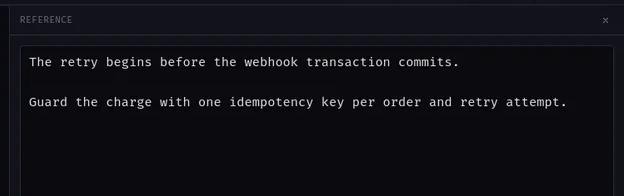
Drafting
Paragraphs, code, checklists — and the notes you keep glancing at, parked in a panel instead of a second window. Insert them where they belong, or leave them out. Nothing is squeezed into a one-line input or lost to scrollback.
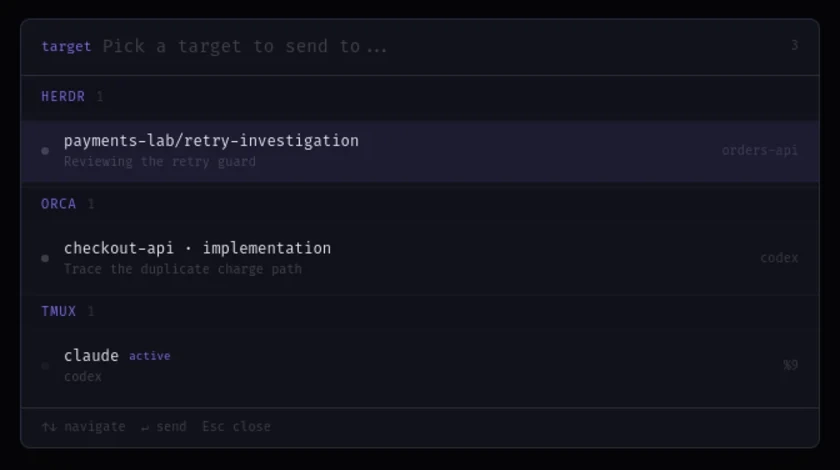
Destinations
Sendoff reads the live topology of your multiplexer and lists the sessions that exist right now. A tab stays bound to one of them, so a finished prompt cannot land in yesterday's pane.
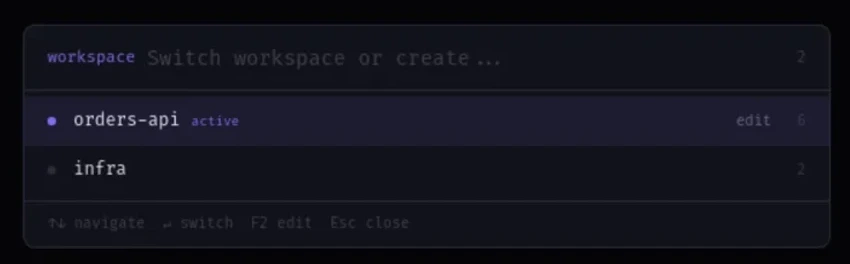
Keeping context
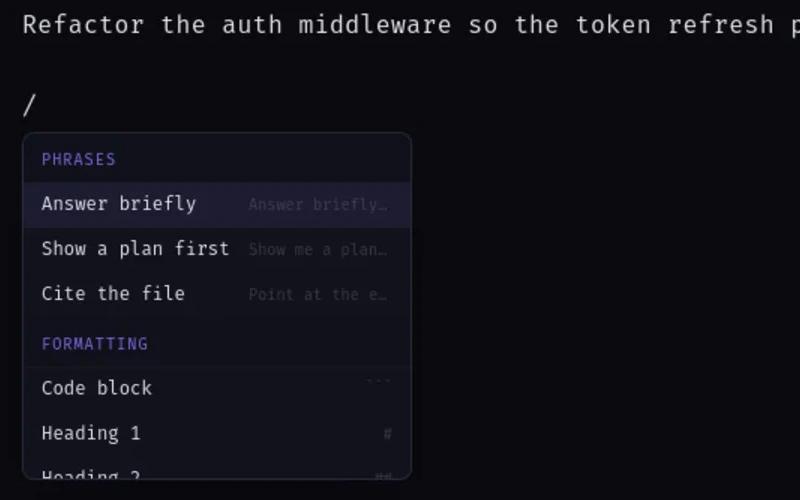
Workspaces keep separate threads apart. Slash commands and references stay in the editor, where they are still editable, right up until the send.
Boundaries
An editor that can read and write your home directory is only reasonable if it cannot phone anywhere. Both halves of that deal are listed here, and both are in one manifest file you can read before installing.
nonenoneclosedhome dir · grantedallowlistedmanualLinux onlyMITEvery permission above comes from one file: src-tauri/capabilities/default.json
Get it
Download the AppImage, make it executable, and keep the agent you already use. Sendoff only replaces the box you were typing into.
chmod +x Sendoff_*_amd64.AppImage && ./Sendoff_*_amd64.AppImage